Developers love talking about their tools. It’s almost a rite of passage at this point.
And since we’re at the start of a new year, I figured I’d share what I’m currently using for my web development work. Whether you’re just getting started with Laravel or you’re a seasoned developer looking to tweak your workflow, hopefully you’ll find something useful here.
So without further ado, let’s dive in.
The Hardware Foundation
First things first: the hardware. This is arguably the most crucial piece of any development setup, and it’s where I’ve made some of my best investments.
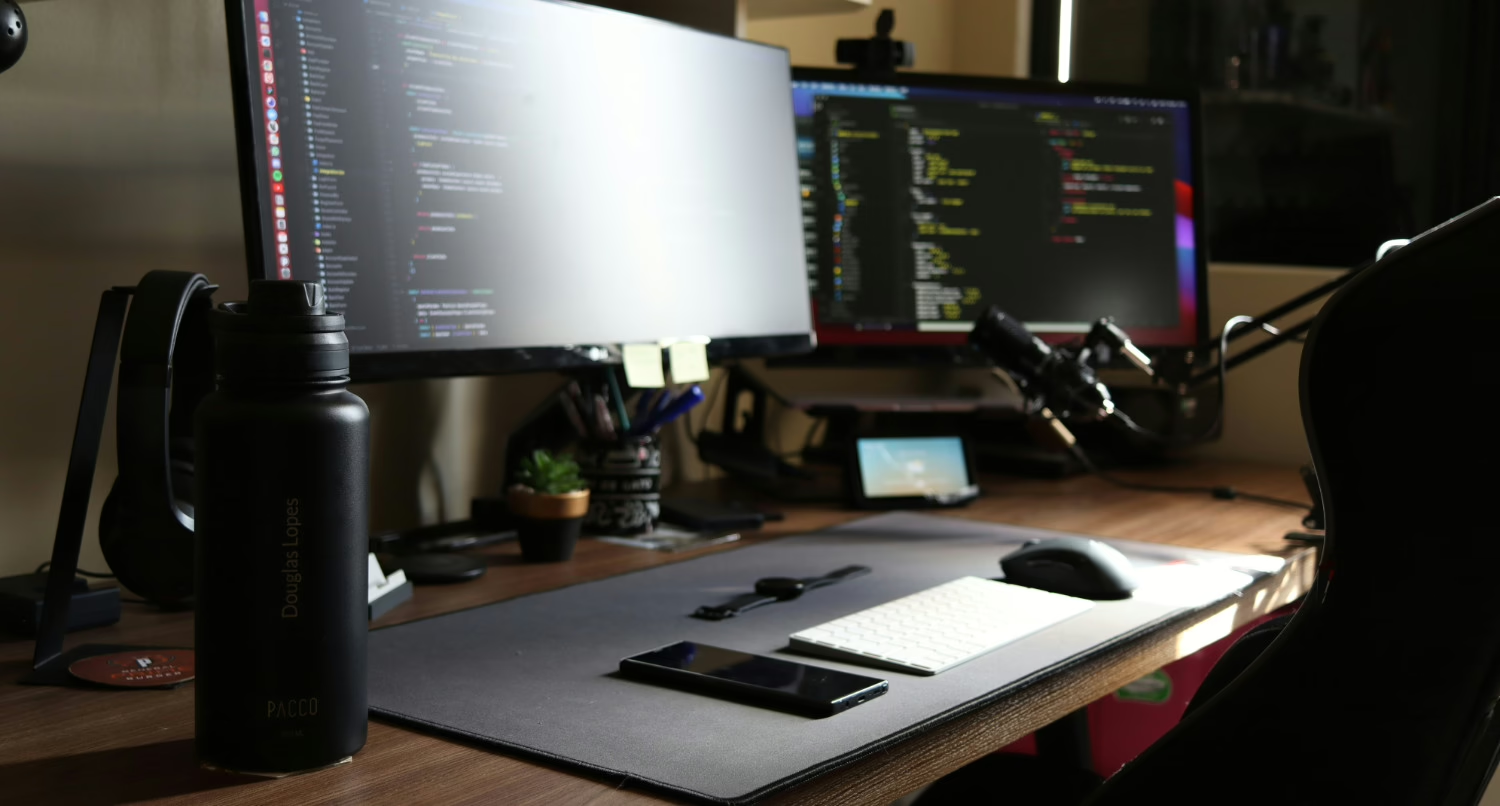
For the past year or so, I’ve been using an M4 Mac Mini, and honestly, it’s been incredible. I was previously on an M1 iMac, and the upgrade has been well worth it. Apple’s M-series chips are just fantastic for development work—fast, efficient, and they handle everything I throw at them without breaking a sweat.
For monitors, I’m running a dual-screen setup with a 34-inch curved LG monitor as my primary display and a 29-inch flat LG monitor as my secondary. I experimented with the vertical monitor orientation that many developers swear by, but after a couple of months, I found myself constantly craning my neck. So I switched back to horizontal, and that’s what works best for me. If you’re on the fence about vertical versus horizontal, just try it for a while. Everyone’s different.
When I’m away from my desk, I have a 2019 Intel MacBook Pro that’s probably due for a replacement soon, and a 2021 iPad Pro that I mostly use for writing and note-taking.
The IDE Debate
Now for what might be the most contentious part of any developer’s setup: the IDE.
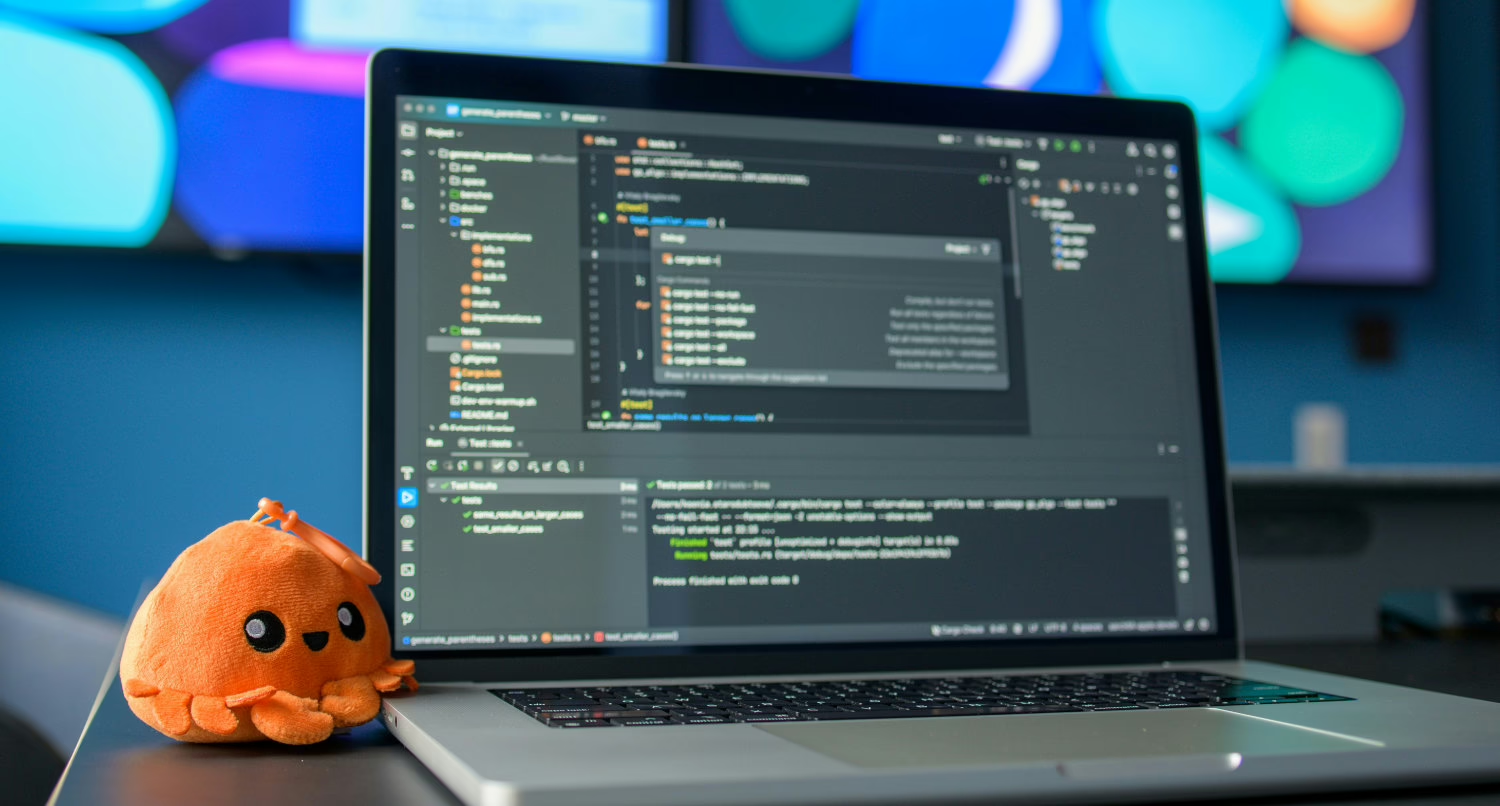
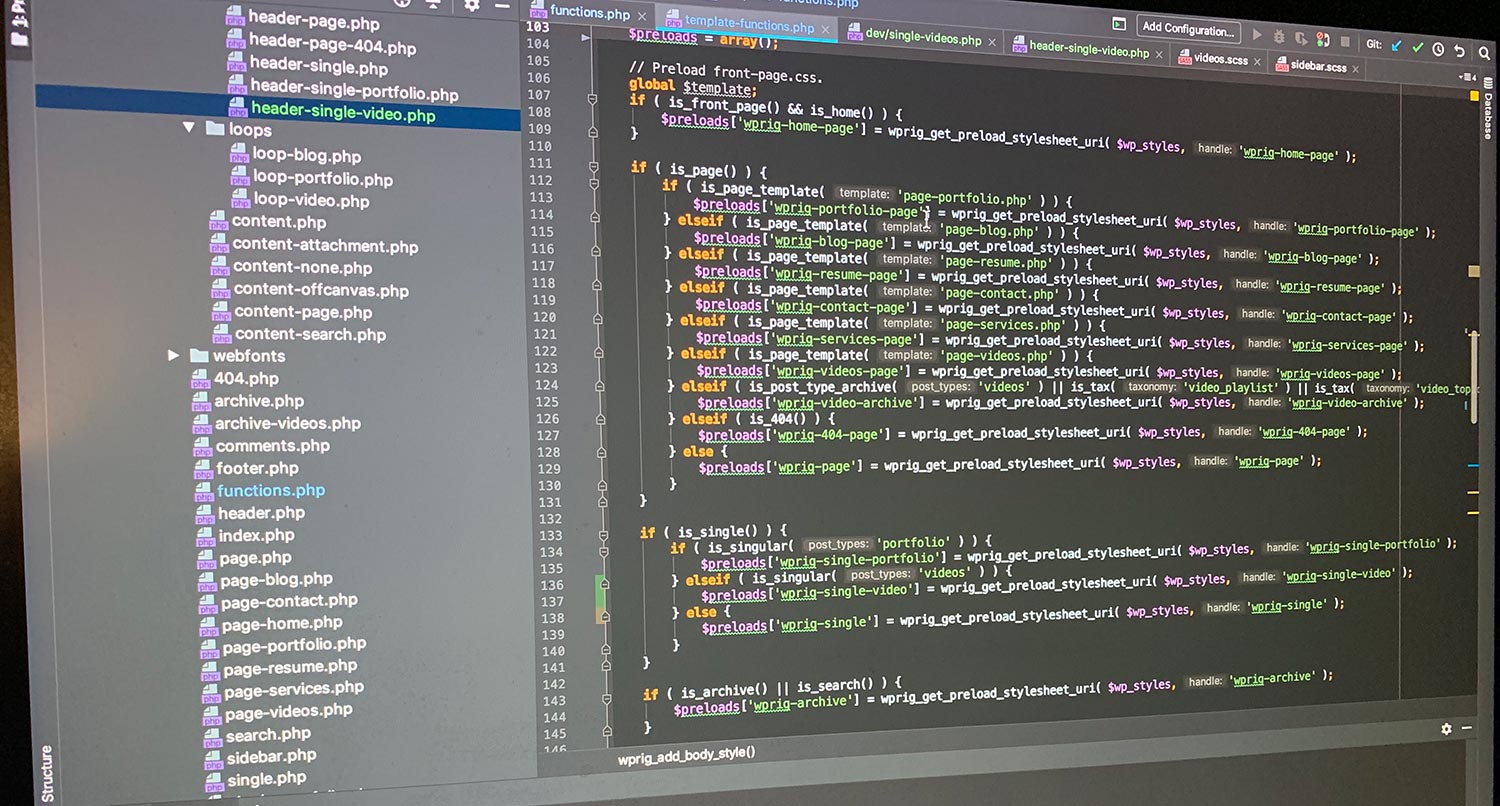
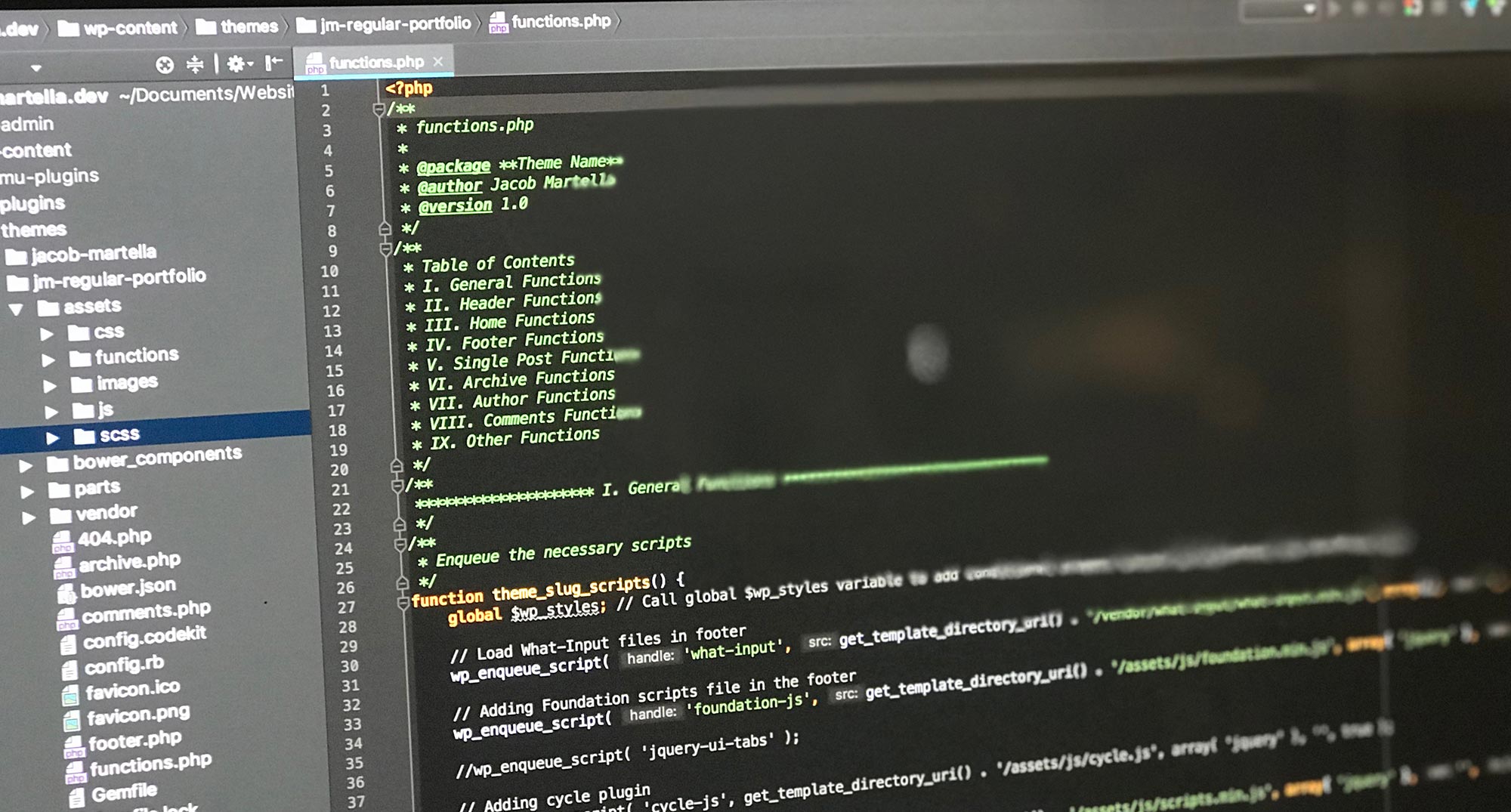
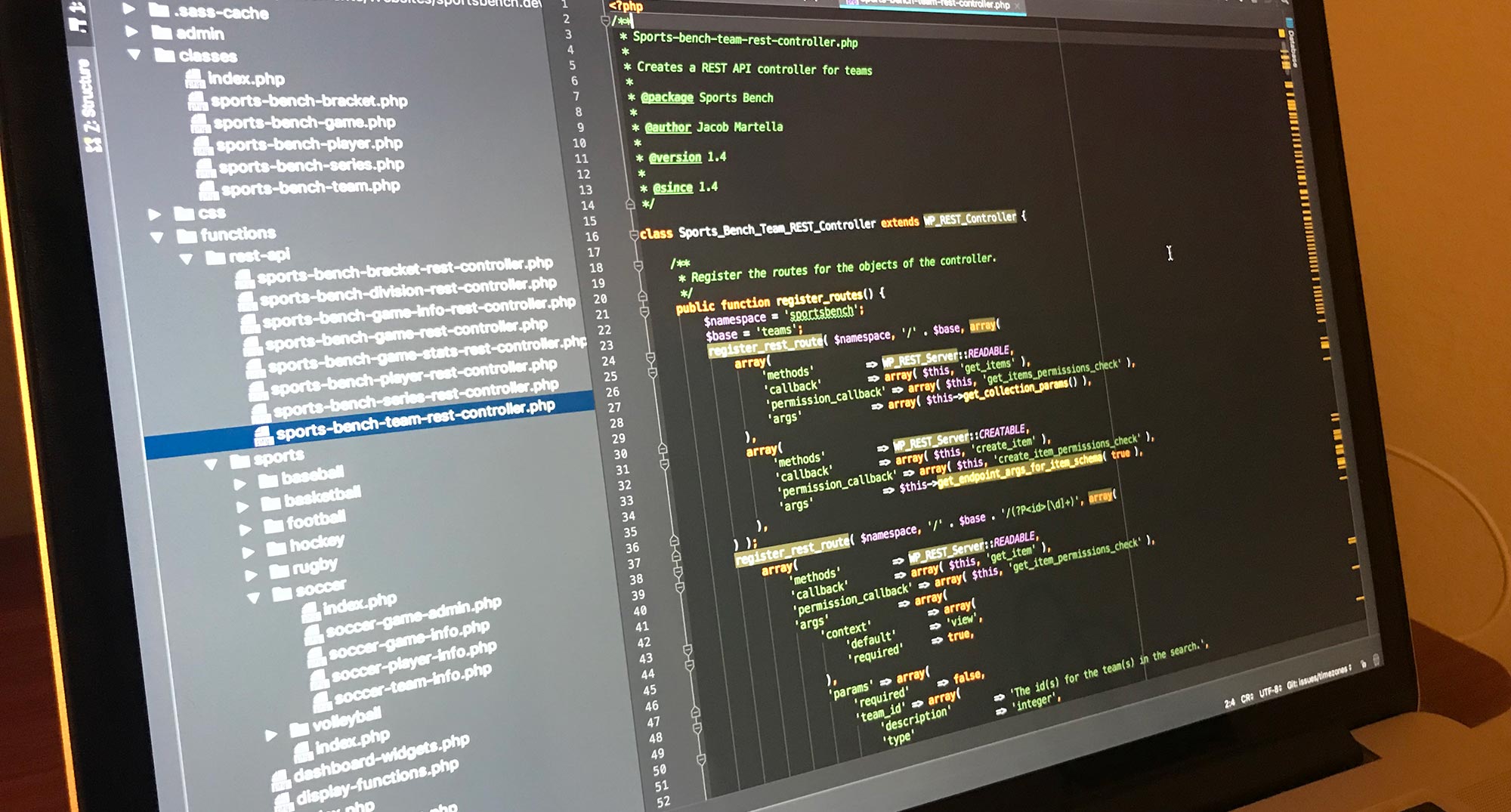
I’m using PHPStorm by JetBrains.
I actually spent a good couple of years with VS Code and really liked it. But when I switched to Laravel development, I discovered that PHPStorm offers many features specifically designed to support that workflow. I had used PHPStorm before my VS Code phase, and coming back to it just felt right.
It’s one of those things where you have to find what works for you. There’s no objectively “best” IDE—just the one that fits your brain.
Local Development Tools
Since I’ve been working with Laravel for over a year now, Laravel Herd has become essential to my workflow. It makes spinning up local Laravel apps and websites incredibly easy.
Back in my WordPress days, I used tools like Desktop Server and Local by Flywheel, which were great because they let you create local sites quickly without diving into the technical weeds. Having the same experience with Laravel using Herd has been a game-changer. If you’re just getting started with Laravel development, I can’t recommend it highly enough.
For sharing local sites—whether with another machine I’m using or with someone else for review—I use Expose. It integrates directly with Laravel Herd, making sharing development work seamless.
I’m also using Laravel Idea, which is now a free plugin for PHPStorm. It helps with creating models, controllers, and other Laravel-specific classes. Since it’s free, there’s really no reason not to include it in your Laravel setup.
AI in the Workflow
I’ve written more extensively about how I use AI in my development workflow, but here’s the quick version.
Right now, I’m primarily using Claude, and especially Claude Code. I’ve found it to be the best tool for my needs. My typical workflow involves using it to plan out a feature first—seeing what it’s thinking, correcting any issues before we get too far along—and then actually implementing that plan together. It’s really sped up my development work.
I also use Gemini for specific tasks. I’ve found it’s particularly good at generating alt text for images and similar content-focused work.
Git and Version Control
I know most developers use GitHub, but personally, I’ve been on GitLab for about six or seven years now, and I really enjoy it.
The way I can set up groups and subgroups, control whether repositories are private or public, and manage everything just clicks with how my brain works. The GitLab pipeline editor has also been a bit easier for me to work with compared to GitHub Actions.
But the biggest thing for me is the issue boards. GitHub has project boards, but the last time I tried to set them up, they were more complicated than GitLab’s issue boards. With GitLab, the issue boards work right out of the box—issues are added automatically, and it’s just easier for me to keep track of everything.
Staying Productive
For task tracking, I use OmniFocus. I learned about it through the Cortex podcast, and it’s been fantastic for managing my work. The recurring task features are compelling—you can set items to repeat at basically any interval you can imagine. Plus, organizing tasks by project and folders keeps everything manageable.
For time tracking, I’m using Timery, which is essentially a layer on top of Toggl.
And then there’s my personal dashboard app. I built this in Laravel to keep track of GitLab issues, marketing tasks, blog posts, videos, and other items that need to be organized across my various projects. Sometimes the best tool is the one you build yourself.
The Rest of the Stack
For packages, I’m obviously using the ArtisanPack UI packages that I’m building. It makes sense to dogfood my own stuff, and really, what I’m creating with ArtisanPack UI is exactly what I want and need anyway.
For testing, I’m using Pest. For styling, I’ve landed on Tailwind CSS. I’ll be honest—I initially preferred writing my own CSS from scratch. But I’ve come around to Tailwind because it genuinely makes things quicker, and I’m not writing nearly as much custom CSS anymore.
For interactivity, I’m using Livewire and Alpine JS, which integrate beautifully with the Laravel ecosystem.
On the design side, I’m using the Affinity suite—Photo, Designer, and Publisher. They cover everything from photo editing to logo work to creating PDFs for resources and lead magnets.
For video editing (like the video this post is based on), I use Final Cut Pro. I had been using Premiere Pro for a couple of years, but Adobe subscriptions are… well, you know. Since I’m not doing super professional video work that requires After Effects or anything like that, Final Cut Pro is perfect for my needs.
What’s in Your Setup?
So that’s my development setup for 2026. Every developer’s workflow is different, and what works for me might not work for you.
I’m curious—what tools are you using? Are there any hidden gems in your setup that you think more developers should know about?
Let me know in the comments or reach out on social media. I’m always looking for ways to improve my workflow.